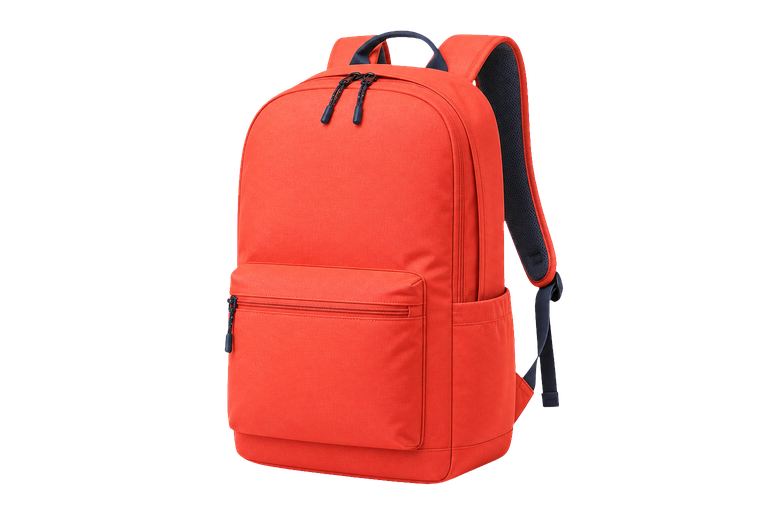
Choose an image
Upload a JPG, PNG or WEBP image up to 10 MB.
Erase an image background in a few clicks and download a transparent PNG, with no account required.
Remove background freeor click to select it from your device
JPG, PNG or WEBP · up to 10 MBReady to remove the background
The first run may take a little longer while the removal engine loads.
Your image stays yours. Processing happens locally in your browser whenever possible, and your files are never stored.
No complicated menus: choose an image, process it and download.
Upload a JPG, PNG or WEBP image up to 10 MB.
The local engine detects the foreground and creates the cutout.
Save the transparent image, ready for your next project.
A practical way to remove an image background online for free, with clear information about what happens to your files.
Remove an image backgroundUse the tool without a subscription, account or hidden steps.
Images are not stored and processing runs in your browser.
A focused experience for products, profiles, catalogs and projects.
Download a format ready for editors, stores and social media.
Works in modern browsers on desktop, tablet and mobile.
Learn how the tool works and what happens to your image.
Choose a JPG, PNG or WEBP image, review the preview and select “Remove background now”. When processing is complete, download the transparent PNG.
No. The tool has no upload database or permanent storage. The file stays in your browser memory while you use it and is discarded when you clear, reload or close the page.
No. You can remove a photo background without login, registration, installation or an API key.
JPG, JPEG, PNG and WEBP files up to 10 MB are supported.
On first use, the browser needs to load the AI engine. Later runs usually start faster while those files remain cached.
Sharp images with good lighting and strong subject-to-background contrast usually work best. Fine hair, transparent materials and shadows may require adjustments in an editor.